

Birth of the Modern PC
IBM introduced the Personal Computer, popularizing home computing and paving the way for the virtual desktop.
Don't miss out on National Clean Your Virtual Desktop Day - take some time to clear the clutter and organize your digital life!
Get ready to tidy up your virtual desktop on National Clean Your Virtual Desktop Day, which falls on October 17! This special day was created in 2015 to help people stay organized and productive despite the digital clutter that can often accumulate over time. It's a great opportunity to take a few moments to sort through your files and delete any unnecessary items that might be taking up valuable space. Plus, it's a surefire way to improve your computer's performance and make your work life much easier! So grab your cleaning supplies and get ready for an efficient clean-up session.
TIMELINE
GET INVOLVED
EDITOR'S PICK
DELETE
UNSUBSCRIBE
UPDATE
BACK
WHY THIS DAY MATTERS
The more empty space on your hard drive, the quicker it can access and retrieve data - meaning your device will work much faster than with a full or overfilled hard drive. Regularly deleting old documents, images, and files will help free up space which can replace other important items onto the drives of your devices.
By keeping your virtual desktop free of unnecessary clutter and distractions, it can help reduce stress, improve productivity, and keep you focused on the task at hand. When everything is neat and tidy, you know where each file is located and there's no need to waste time or energy looking for items.
A cluttered desktop can lead to decreased performance levels on your computer as it becomes overburdened with a lot of information requiring it to take longer to load applications. By regularly clearing out files and folders that are no longer needed, your computer will run smoother and faster.
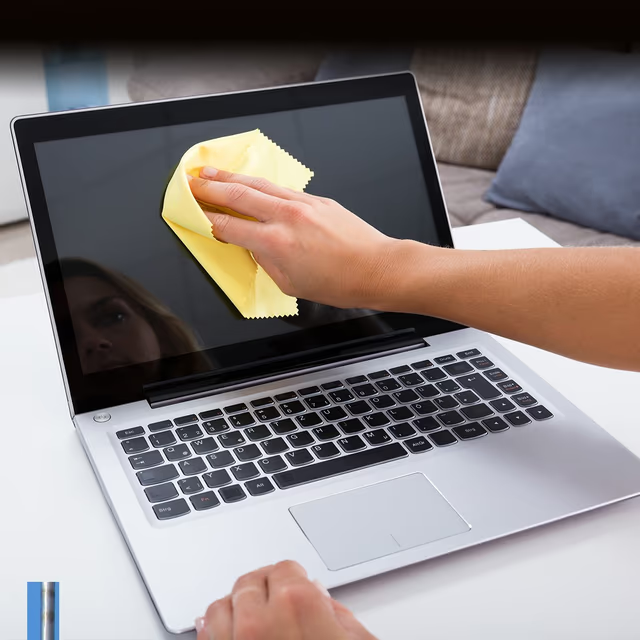
Say goodbye to clutter and hello to a clean, organized digital life in honor of National Clean Up Your Computer Month! Get tips & tricks now.
Give your PC a fresh start! National Clean Out Your Computer Day is here, the perfect excuse for a digital detox and speed-boosting cleanup.

Get organized on Get Organized Day! Clear the clutter, set up systems, and get your life back in order with our helpful tips and tricks.