

National Clean Up Your Computer Month Begins
This holiday was first observed as a way to encourage digital decluttering and improve device performance.
Say goodbye to clutter and hello to a clean, organized digital life in honor of National Clean Up Your Computer Month! Get tips & tricks now.
Start off the new year by giving your computer some much-needed TLC on National Clean Up Your Computer Month, which takes place throughout the entire month of January! This holiday was first observed in 1988 as a way to encourage people to declutter their digital space and improve the performance of their devices. With our increasing reliance on technology, it's more important than ever to keep our computers organized and running smoothly. So grab your duster and get ready to tidy up those files – your computer (and your sanity) will thank you for it!
TIMELINE
GET INVOLVED
EDITOR'S PICK
GET
BACK
CLEAN
UPGRADE
WHY THIS DAY MATTERS
By regularly cleaning up your computer, you can prevent potential data loss from viruses or crashes. It's important to regularly back up your files and maintain a clean system to keep your important documents and memories safe.
Over time, our computers can become cluttered with old files, programs, and documents that we no longer need. National Clean Up Your Computer Month gives us the perfect excuse to go through these items and clear up some much-needed space on our hard drives.
A clean and organized computer makes it easier to find necessary files and programs, ultimately increasing our productivity. Plus, a decluttered computer runs smoother and faster, saving you time in the long run.
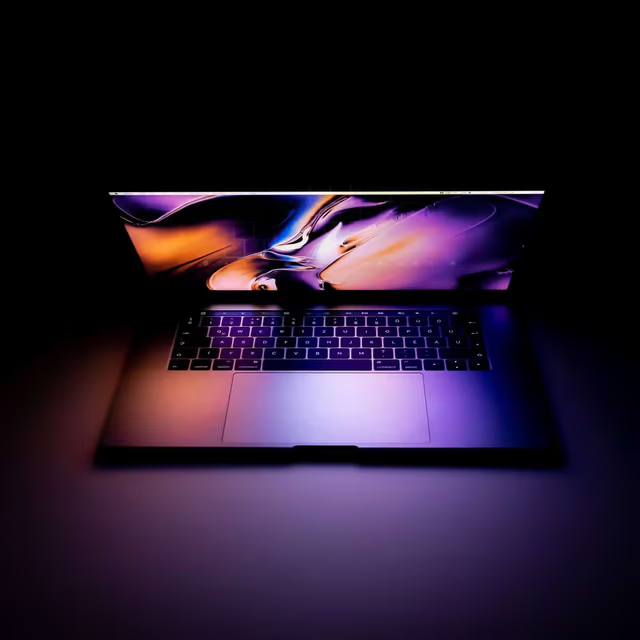
Give your PC a fresh start! National Clean Out Your Computer Day is here, the perfect excuse for a digital detox and speed-boosting cleanup.

Don't miss out on National Clean Your Virtual Desktop Day - take some time to clear the clutter and organize your digital life!
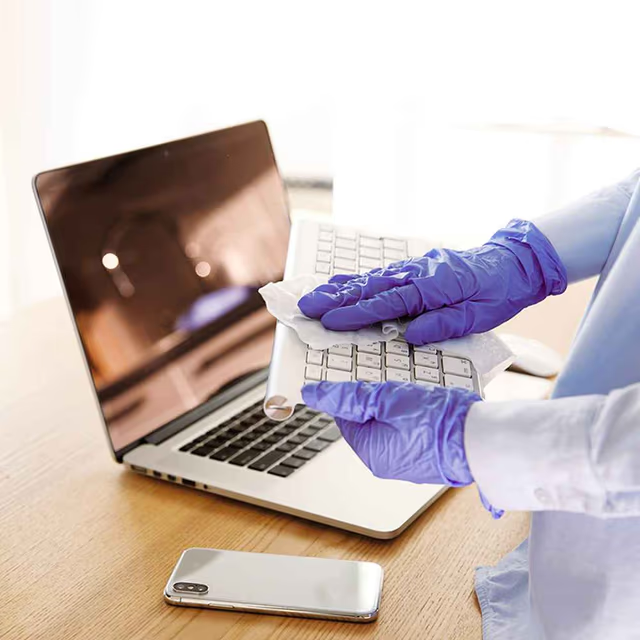
It's National Clean Your Desk Day! Get organized and tidy up your workspace - you'll feel more productive and motivated with a clutter-free desk.